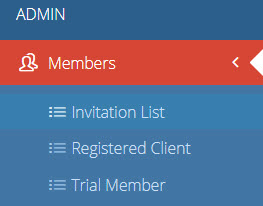
To invite a member/create a member portal, navigate to Members > Invitation List
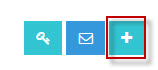
Click the blue + sign in the top right corner
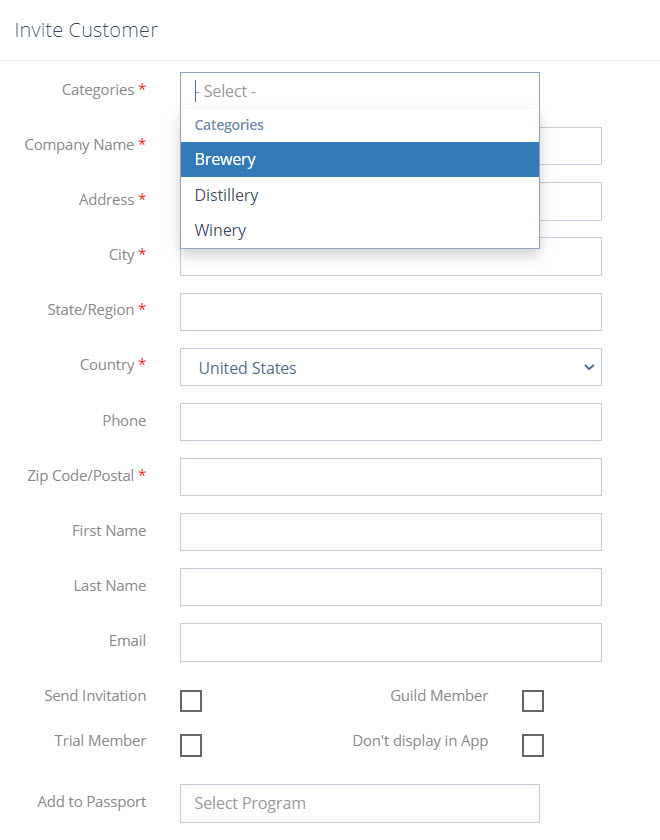
Fill out all available details in the form that pops up.
Select Category
Location Name
Address
City
State
Country
Phone Number
Zip Code
First Name
Last Name
Email Address
Checking the “Send Invitation” box will trigger the invitation to be sent as soon as you click Save & Close. Do not check this box if you would like to send the invitation at a later time.
Check “Member” box if the location is a member
Check “Trial Member” box if the location is a trial member.
“Do not display in app” is for companies or sponsors who will use their portal for reasons other than passport participation.
Click “Save & Close” when complete. This location will now show up in your invitation list.
By Jen Cavagnaro|2021-04-14T11:57:41+00:00April 14th, 2021|Comments Off on Invite Member